9 Best Vibe Coding Tools in 2026
Vibe coding is more than a trendy phrase. It’s the difference between a tool you just put up with and one that actively improves your job.
When you sit down to write code, the last thing you want is confusion from your tools.
You want tools that feel good to work with, fit your thinking process, and keep you focused on your goals.
That is exactly what this guide aims to give you: a quick list of the best vibe coding tools that help you write cleaner code with less effort and make it easier to solve coding problems.
We focused on tools that offer great responsiveness, a clean interface, and smooth integration with essential tasks such as command-line work and version control.
Let’s find you a tool that matches your vibe and turns your coding sessions from a series of tiny battles into a smooth process.
What is Vibe Coding?
Vibe coding is the practice of creating software that uses AI to generate code based on the prompts you give.
Instead of typing every line of code yourself, you describe what you want in simple language, and AI tools write the code for you.
In practice, a vibe coding session might look like this: you tell an AI what feature you want, it writes code, and then you test, fix, and adjust what it generated until it meets your needs.
This still requires developer judgment and understanding, especially for production-level work.
However, typing speed or algorithm knowledge is only half of the equation.
The other half is the human who spends eight-plus hours a day operating the keyboard. Vibe coding addresses that human element.
It offers many benefits that improve the experience for developers who build real projects every day:
- Faster Development Cycles: AI can generate working code quickly. This is especially useful when you need to show progress or test concepts before committing to a full build.
- Less Cognitive Load: AI code tools offer intelligent code completion and present errors in an actionable way right next to your code. This means you save mental energy, can think more clearly about complex logic, and are less prone to simple mistakes that create bugs.
- Easier for Beginners: Vibe coding makes many aspects of development easier for people without deep programming knowledge. Non-technical people or newcomers can describe what they want and get code that works.
- Focus on Real Problems: When the AI handles repetitive tasks, you can spend more time thinking about logic, user experience, and design, which are the parts that truly drive product value. You don’t constantly switch between windows for Git, the terminal, or a database. This enables you to remain fully engaged in your work, directly enhancing both output and code quality.
- Rapid Prototyping: You can easily test multiple versions of a feature and receive feedback without having to wait long.
Top Vibe Coding Platforms
Now, let’s look at the best AI tools for vibe coding, including their key features and where each one works best, to help you find the right fit for your next project.
Cursor
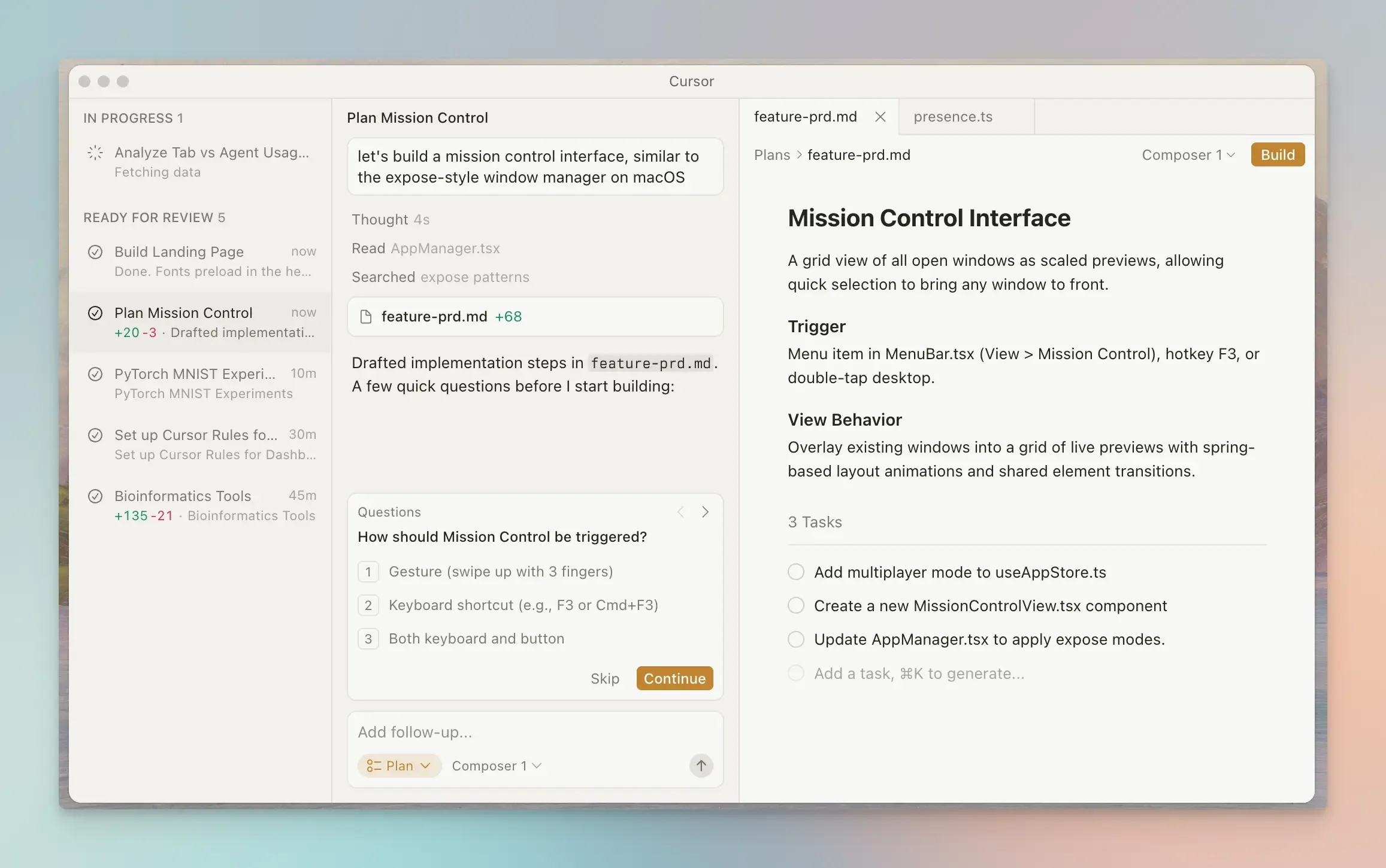
Cursor is an AI-powered code editor that integrates artificial intelligence directly into your development workflow.
It is like a more powerful, AI-native version of Visual Studio Code that lets you build features with natural-language prompts instead of typing every line manually.
It makes it super simple to start developing apps. You tell Cursor a task, and it plans and executes changes across all necessary files, showing you a real-time diff of what it plans to do before you accept.
Best for: Professional developers handling complex, multi-file codebases.
Key features:
- Context-aware suggestions.
- Inline code explanations and built-in debugging.
- Agent mode for cross-file code changes and intelligent edits.
- Multi-model access (Claude, OpenAI, Gemini).
Pros:
- Automates routine coding and debugging tasks.
- Deep GitHub integration and version control.
- Advanced AI assistance and codebase awareness.
Cons:
- Not ideal if you prefer no-code visual tools.
- Requires a subscription for higher usage.
Pricing: Free tier available. Paid plans start from $20/month.
Replit
Replit is a cloud-based coding environment that lets you write, test, and deploy entire applications from a natural language prompt.
You don’t need to install any software. Replit gives you everything you need: code editor, server, hosting, and AI assistance, right in your browser. You get a live preview of your app, a terminal, and built-in databases without configuring any external services.
Best for: Experimentation, learning, education, and quick prototypes.
Key features:
- AI code generation and suggestions.
- Replit Agent automatically builds and tests code.
- Multiplayer collaboration with shared workspaces.
- Instant app hosting and deployment.
Pros:
- Easy start with no setup.
- Good for teams and learning environments.
Cons:
- Not as customizable as a local IDE.
- Advanced backend logic can be limited.
Pricing: Free tier available. Paid plans start at $20/month.
Windsurf
Windsurf is another VS Code-based IDE for large codebases and complex coding environments.
It is a great tool for vibe coders because it keeps you in the flow with strong project-wide awareness and autonomous planning agents.
Best for: Development teams working on large codebases who need collaboration and code management.
Key Features:
- Cascade AI for multi-step task planning.
- Context memory and autocompletion.
- In-line refactoring and indexing.
- Model context protocol support to connect external tools and services.
Pros:
- Powerful contextual understanding.
- Strong enterprise security and team features.
Cons:
- The free tier gives limited prompt credits for advanced models.
- It can feel like overkill for small projects.
Pricing: Free plan available. Paid plans start at $15/month.
GitHub Copilot
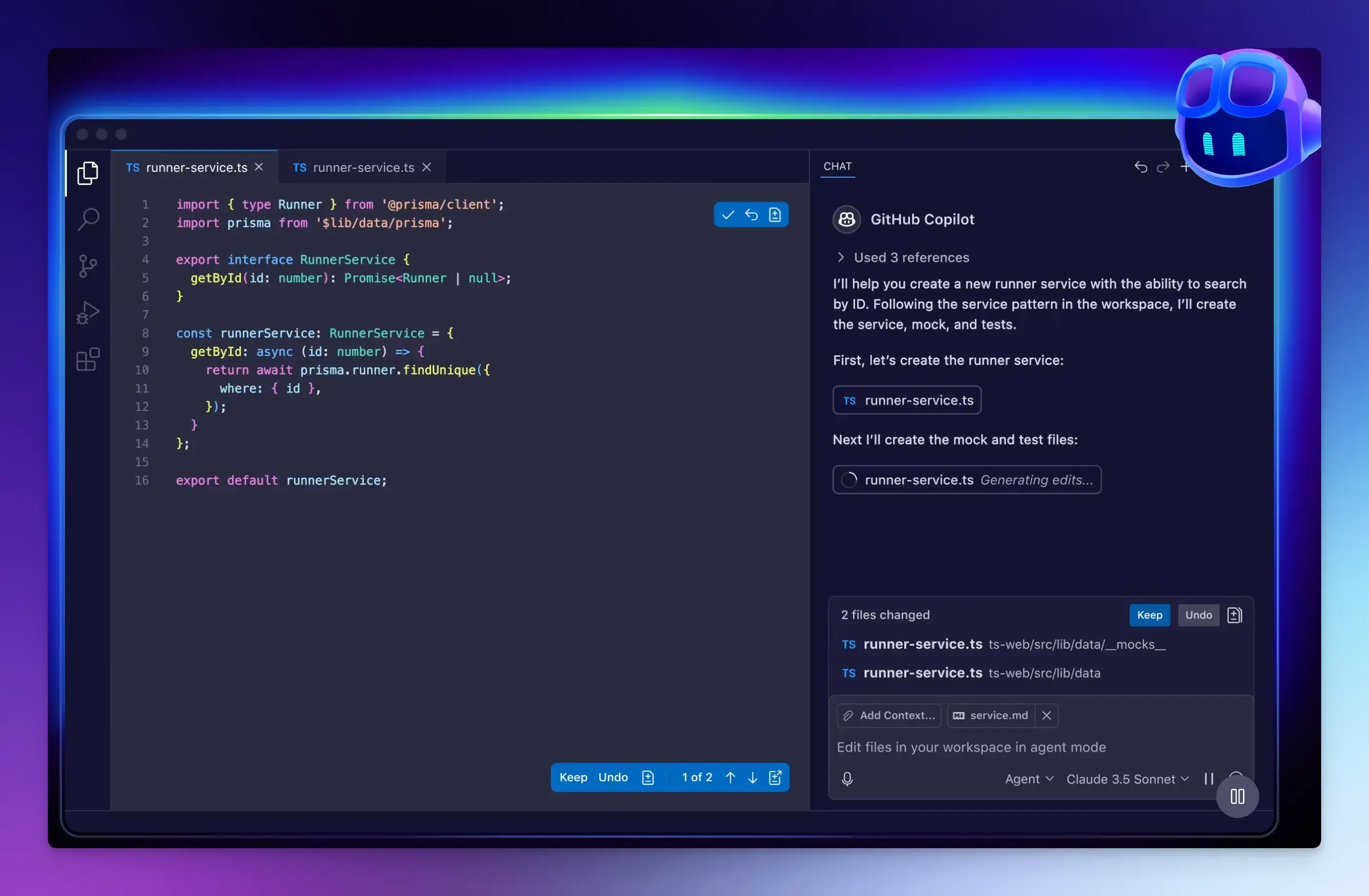
GitHub Copilot is an AI pair programmer that integrates directly into IDEs like VS Code and JetBrains, providing inline code completions and chat-based assistance.
Best for: Developers already working inside popular editors and using GitHub.
Key features:
- Line-by-line code suggestions.
- Generates entire functions from comments.
- Copilot agent for executing complex tasks.
- Copilot CLI for running terminal commands.
- Built-in chat for explanations.
Pros:
- Smooth integration with the GitHub system.
- Access to top LLM models like GPT, Claude, and Gemini.
- Supports a wide range of editors and programming languages.
Cons:
- Less focused on deep codebase analysis and autonomous file changes.
- Advanced use cases require a paid plan.
Pricing: Free tier available. Paid plans start at $10/month.
v0 by Vercel
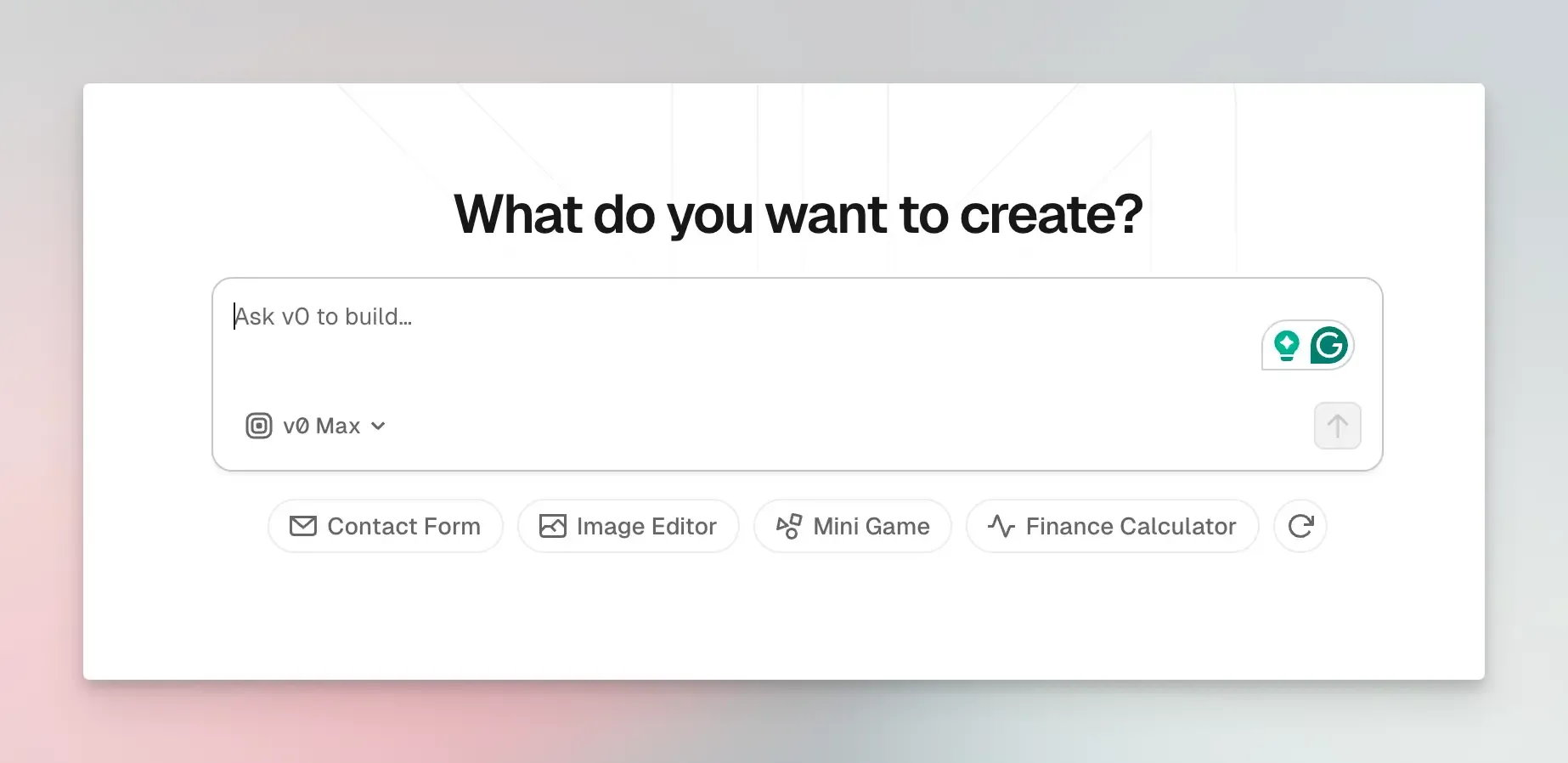
v0 is a tool from the creators of Next.js that generates high-quality UI components from a text prompt, especially for front-end frameworks like React and Tailwind CSS.
Best for: Front-end developers working with React and Next.js.
Key features:
- Text-to-UI component generation.
- Instant previews and code export.
- One-click deployment to Vercel.
- Support for modern front-end stacks.
Pros:
- Outputs clean and visually consistent code.
- Good for prototypes and design iteration.
Cons:
- Focused on UI components and landing pages; not full apps.
- Generated code may require debugging for production use.
Pricing: Free tier available. Paid plans start at $20/month.
Bolt.new
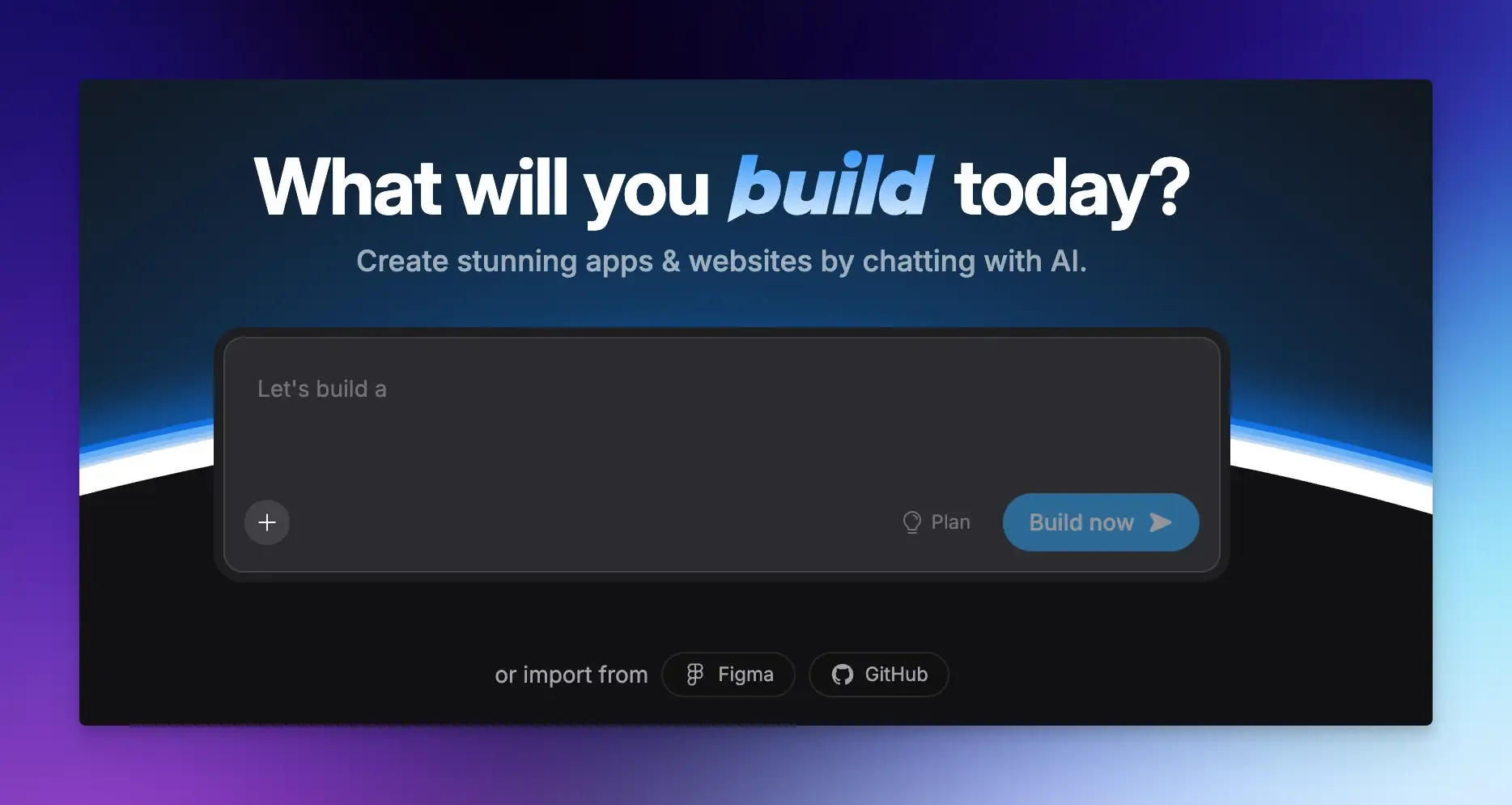
Bolt.new lets you generate a full-stack web or mobile application in minutes.
You start with a simple chat that handles the entire setup process, from creating the project structure and installing dependencies to writing the initial front-end and backend code and connecting to a database.
Best for: Developers needing quick demos and prototypes.
Key features:
- Full-stack development in the browser.
- One-click project generation.
- Bolt Cloud for a fully integrated infrastructure.
- Live previews and instant reloads.
- Supports frontier coding agents.
Pros:
- Super fast environment setup.
- GitHub integration and code export.
Cons:
- Not ideal for long-term maintenance.
- Limited enterprise-level features.
Pricing: Free tier available. Paid plans start from $25/month.
Claude Code
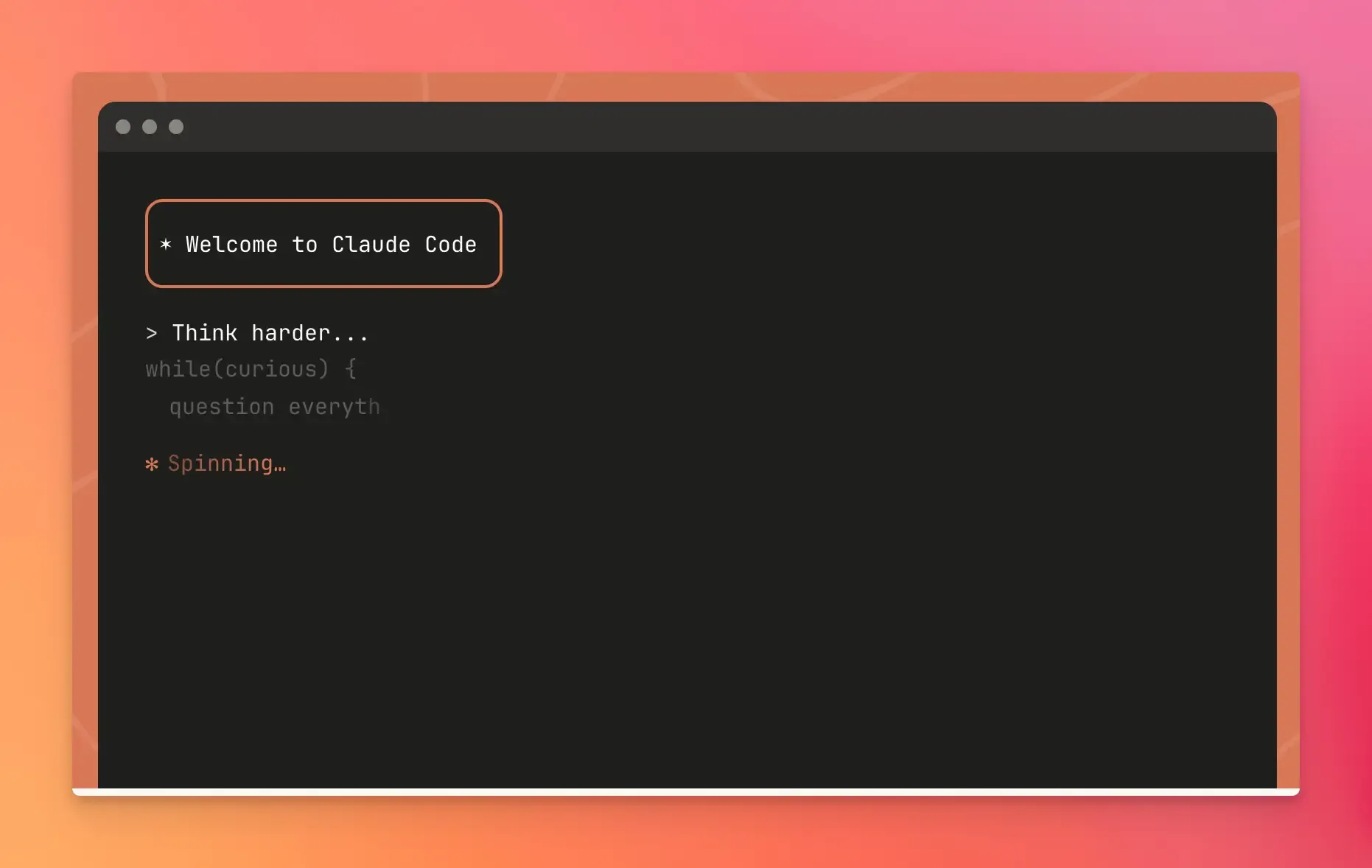
Claude Code is a terminal-based coding agent from Anthropic. It brings Claude’s deep reasoning capabilities to your command-line workflow for deep code analysis, debugging, and planning complex changes.
Best for: Experienced developers who prefer terminal-centric workflows.
Key Features:
- Operates directly in your terminal.
- Uses agentic search to understand your entire codebase.
- Ability to create custom sub-agents for specific tasks.
- Git and workflow automation.
- Extensions for VS Code and JetBrains IDEs.
Pros:
- Powerful reasoning for complex problems.
- Strong integration with development tools.
Cons:
- Requires comfort with the command line.
- API costs can add up with heavy usage.
Pricing: Access with a Claude Pro subscription ($20/month) or via the Anthropic API with usage-based pricing.
Lovable
Lovable is an AI development platform that builds entire web applications from a prompt. It automatically creates the front-end, backend, database, and logic, giving you a shareable application in minutes.
Best for: Non-technical founders, product managers, and anyone building web apps quickly.
Key features:
- Full-stack app building from prompts.
- GitHub sync and deployment integration.
- Visual editor with live previews.
- Plan mode for complex tasks.
Pros:
- Very low learning curve.
- Get a working prototype in minutes.
Cons:
- Not for complex business logic.
- Less control than a local IDE.
Pricing: Free to try with 5 daily credits. Paid plans start at $25/month.
Cline
Cline is an open-source AI coding agent you can add as an extension to your code editor. It shows you every command it plans to run before it makes a change, making the AI’s reasoning process visible.
Best for: Developers who value control and security.
Key features:
- Open-source and client-side operation.
- Supports multiple model providers.
- Cline CLI for terminal command automation.
- Connects to databases, APIs, and internal tools via the MCP.
Pros:
- Full control and transparency.
- Autonomous mode can handle complex tasks.
Cons:
- Requires manual setup and active reviews to avoid over-engineering.
- AI token costs can add up quickly with heavy usage.
Pricing: Free; you only pay for API usage.
Final Words
The software development environment has a direct impact on developers productivity and mental health.
Choosing the right vibe coding tool is one of the best investments you can make because your environment is finally on your side.
Whether you prefer an integrated AI assistant within your favorite editor or a powerful agent that can build on its own from a simple description, there’s a tool on this list for you.
The real power comes from combining human judgment with AI tools, with the tools handling routine tasks while you focus on improving results.
FAQs:
Does vibe coding work for all types of programming tasks?
It’s more useful for tasks such as boilerplate code, refactoring, debugging, writing unit tests, and documentation. It is less effective for implementing new algorithms, complex business logic, or making high-level architectural decisions.
Do I still need to know how to code to use these tools?
These tools are powerful assistants, not replacements for developer knowledge. A solid understanding of programming concepts, software architecture, and debugging is essential for effectively using AI.