
6 Best Code Management Tools for Developers (2026)

Writing code without a code management tool is like building a house without an architect’s blueprint.
- You use a shared folder.
- Code gets overwritten.
- Bugs appear with no clue why.
- Figuring out who changed what and when becomes a nightmare.
Code management tools help developers avoid this confusion and stay on track with their projects.
They handle the critical work that keeps development moving forward.
These tools do more than store your code. They track every change and keep a clear history of how your project has evolved.
This guide walks through some of the best code management tools that fit various needs, whether you work on solo projects or coordinate a large enterprise team.
By the end, you will know what each platform does best and choose a system that not only manages your code but also actively improves your team’s development process.
Let’s get started.
What are Code Management Tools? Benefits and Features
These are software programs that help developers store, track, and organize their code. They make it easier to save different versions of your work and share it with others.
These tools offer real solutions for modern challenges.
Such as:
- Track every change to your codebase.
- Combine work from multiple team members.
- Integrate with other development platforms.
- Support safe experimentation.
- Scale with your needs.
When choosing a source code management software, focus on the following key features:
Version Control
- Every change is saved as a unique commit, so you can revert if something goes wrong.
- This means you can experiment freely and fix mistakes without losing progress.
- You can also see who changed what and when.
Branching and Merging
- Instead of everyone editing the main code at once, each person uses a branch (a personal copy of the code).
- Merging combines branches back together once you’re ready.
- The tool checks for conflicts and helps resolve them.
- This feature lets you test features safely before releasing them to users.
Collaboration Features
- Look for tools that let you comment directly on a line of code.
- It should require approvals before changes are merged into the main project.
- This makes the code review process easy.
Easy Integration
- It should connect with CI/CD pipelines and project management tools.
- This reduces context switching and speeds up development.
Security and Backup
- You need security features like encryption and access controls to prevent unauthorized access.
- The tool should also offer backups to avoid data loss from crashes or hacks.
- If something deletes or corrupts files, you should be able to restore them easily.
Top 6 Code Management Tools
Below are the top source code management tools, along with their main features, pros and cons, and pricing to help you choose the best one.
GitHub
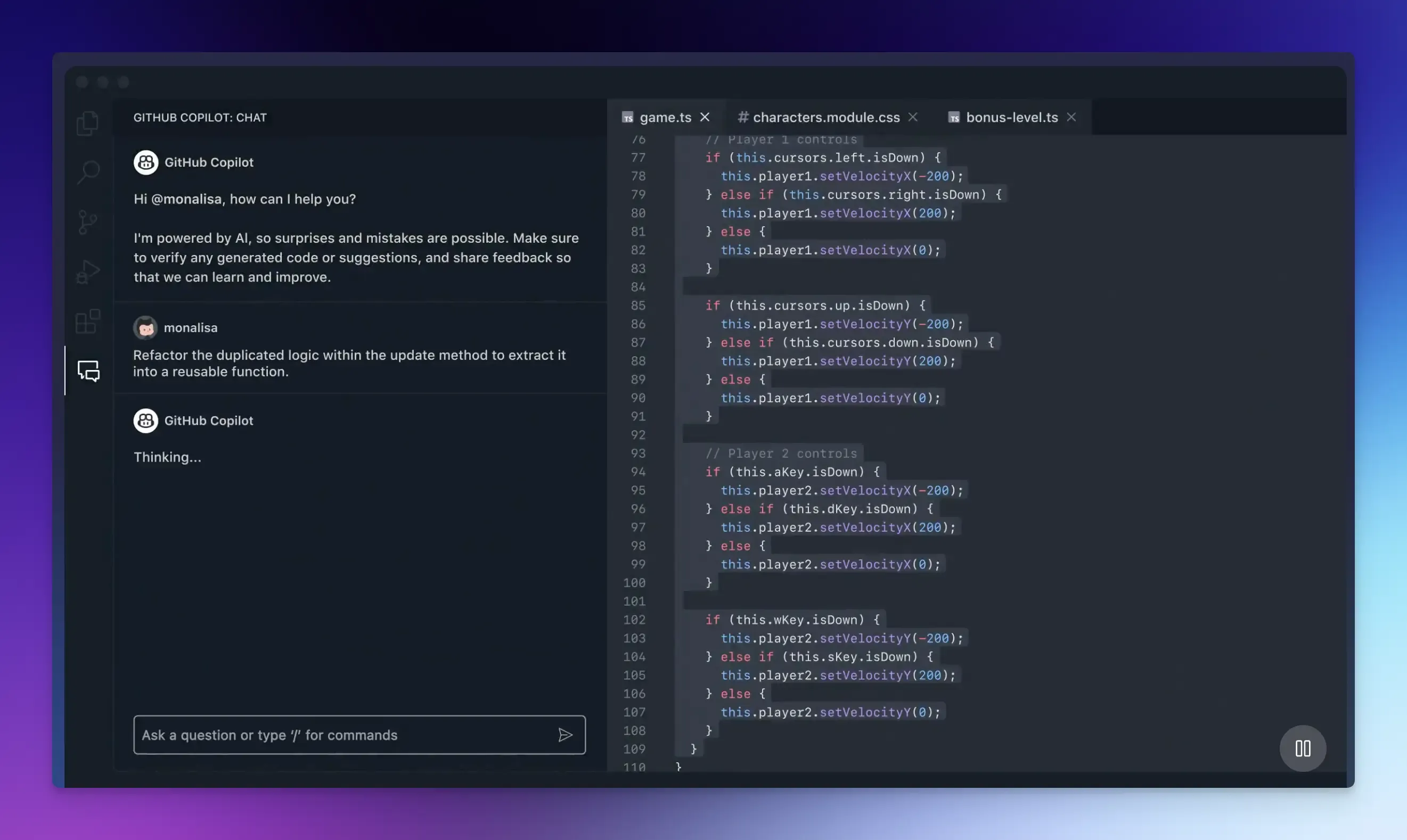
GitHub is one of the most important platforms for modern software development and collaboration.
It is built around the Git version control system. Git keeps track of changes to your code while GitHub puts it online, adding a complete suite of tools for collaboration, project management, security, and automation.
You can contribute to open-source projects in GitHub’s public repositories, and learn from other’s code.
Key Features:
- Collaboration and Version Control with pull requests for discussion and review.
- Automation and CI/CD: With GitHub Actions, you can automate almost any part of your workflow. Set up tasks to automatically run tests, build your application, or even deploy it to a server.
- GitHub Copilot, an AI-powered tool, can write code right in your editor. You can use it to explain concepts, automate code reviews, and handle pull requests.
- Project Management: Use GitHub Issues to report bugs, request features, and assign tasks. You can set up project boards to track progress.
- GitHub Codespaces: With one click, you can launch a fully configured cloud development environment in your browser, pre-loaded with your repo and all its dependencies.
- GitHub Pages lets you turn a repo into a simple website or blog.
Pros:
- Large developer community and integration ecosystem.
- Free for public projects.
Cons:
- It can be overwhelming for beginners.
- Advanced security features require a paid team plan.
Pricing:
- Free plan includes unlimited public and private repositories.
- Pricing starts from $4 per user/month.
Snappify
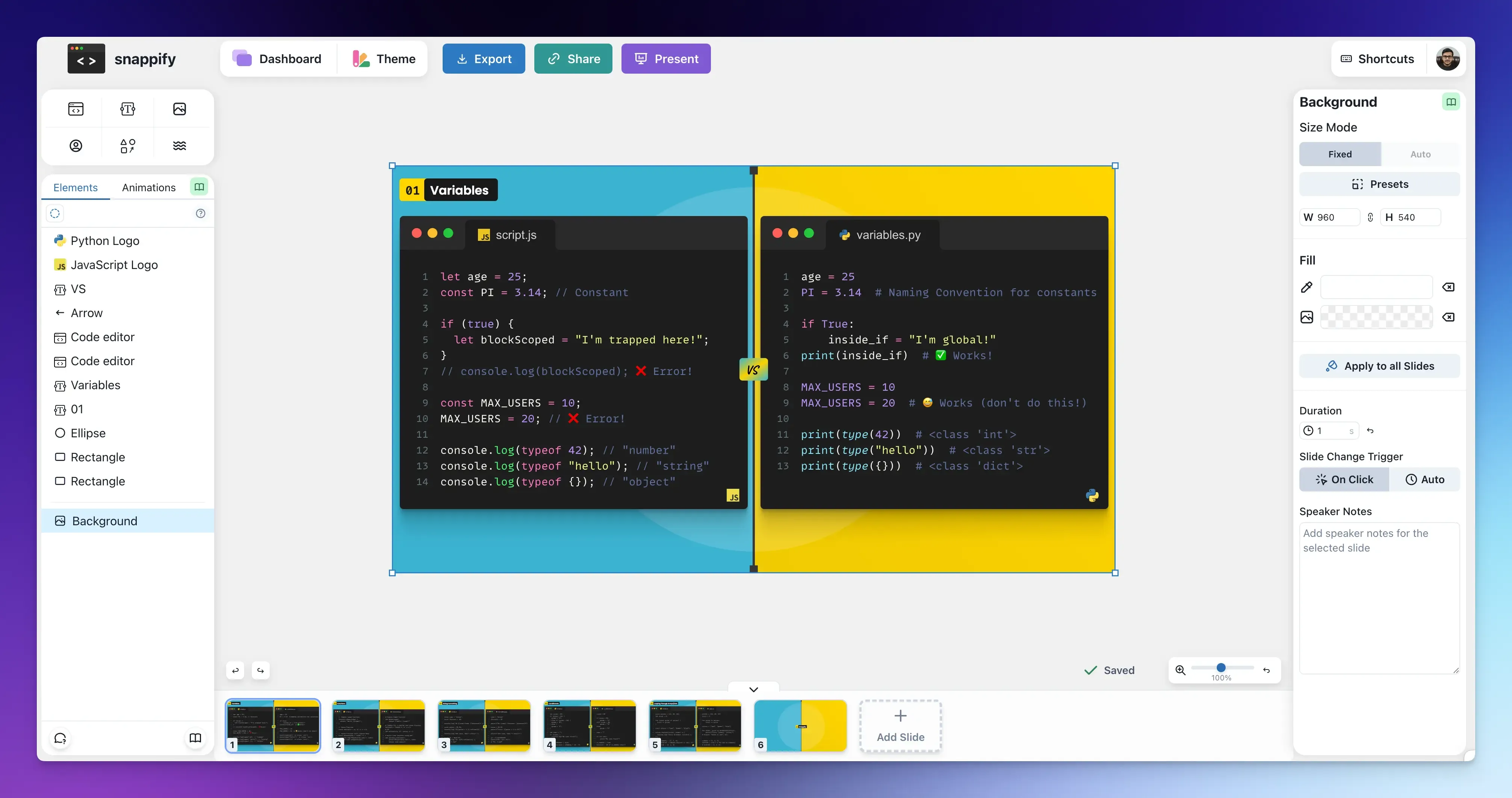
Snappify is a code sharing tool that lets you create, manage, and reuse beautiful code snippets.
You can use Snappify’s snippet manager to save your snippets and create a repository of explanatory code visuals for:
- Technical blog posts or documentation.
- Educational video tutorials or online courses.
- Engaging social media content.
- Branded code visuals for presentations.
Key Features:
- Create Code Visuals with annotations, arrows, and animations.
- Share Code as images, GIFs, or videos, or embed interactive snippets in blogs or documentation.
- Organize Snaps Library into folders for different projects, making it easy to find and reuse code.
- Extensions for VS Code and IntelliJ let you capture code directly from your IDE to style it.
Pros:
- User-friendly dashboard for managing code snippets.
- API support for automatic snippet creation.
Cons:
- Not a version control tool.
Pricing:
- The free plan limits storage to 3 snaps.
- Pricing starts at $5/month and increases with storage capacity.
Visual Studio Code
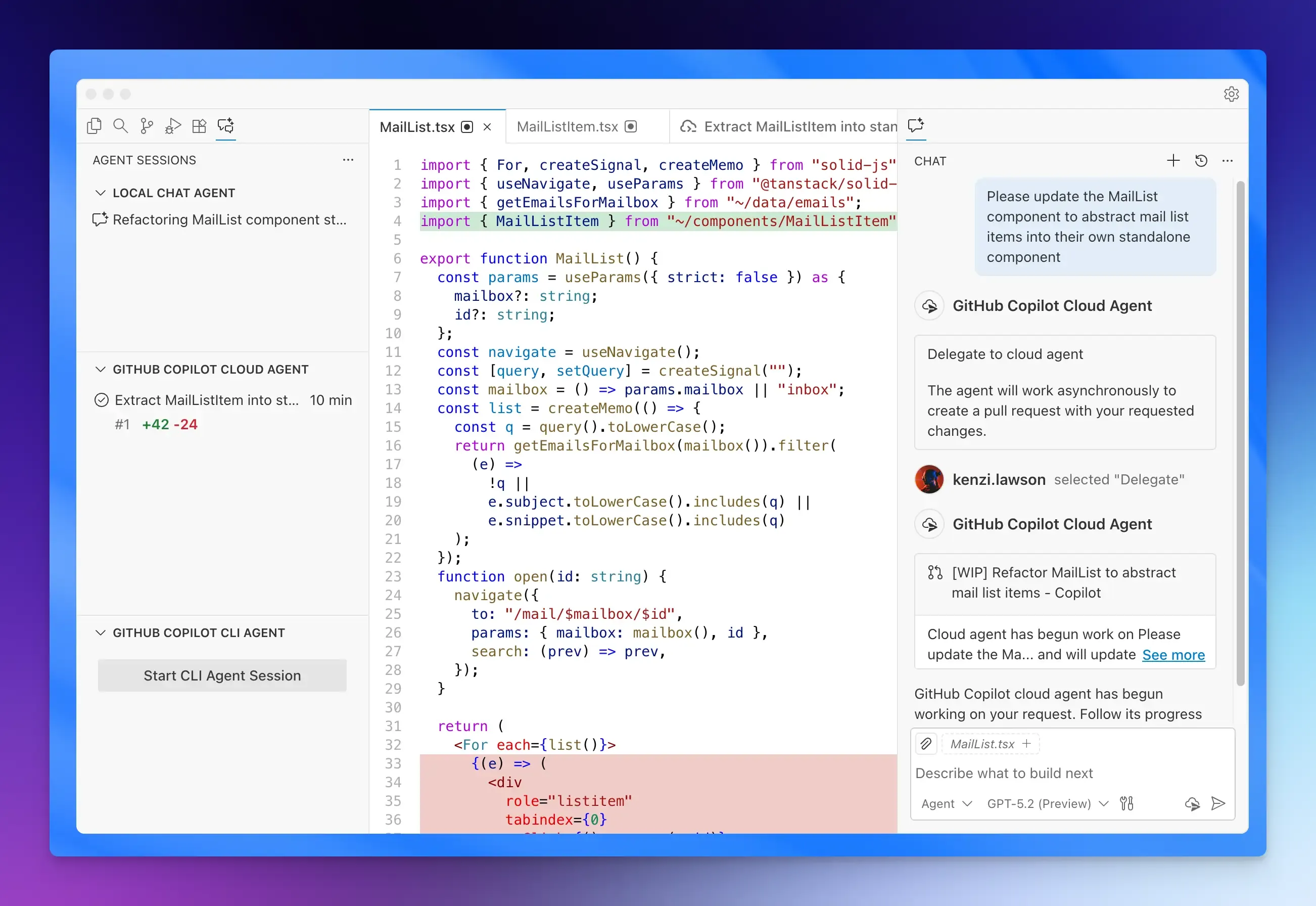
VS Code is an incredibly powerful and lightweight source code editor developed by Microsoft.
Its broad support for programming languages and integration with Git make it a great choice for project and version control across different platforms.
You can track changes, create branches, and push your code to remote repositories like GitHub all from the editor’s interface without needing the command line.
Key Features:
- IntelliSense for smart code completions.
- Source Control Management with built-in Git commands.
- Integrated Terminal and Debugging right from the editor.
- Highly Customizable with thousands of extensions and VS Code themes.
- GitHub Copilot for code suggestions.
- Agent Mode for multi-step coding tasks.
Pros:
- Works on any major OS.
- Strong community and massive extensions marketplace.
Cons:
- Some features require familiarity with setups.
- Learning VS Code keyboard shortcuts and settings can take time.
Pricing: Free
GitLab
GitLab is a comprehensive platform for managing the entire lifecycle of a software development project. This means you don’t need to use a dozen separate tools for your projects. It manages everything from writing the first line of code to deploying it securely to production.
Its integrated approach offers both CI/CD capabilities and a powerful source code management system.
GitLab also provides automated security scans within your merge requests, making it ideal for enterprises and teams with strict security requirements.
Key Features:
- Git-based Source Code Repository Management with branching and merging.
- GitLab Duo for AI code suggestions, test generation, and explanation.
- Built-in CI/CD to automate workflows.
- Project Planning and issue tracking tools.
- Flexible Deployment, including self-hosted or a dedicated, fully managed instance.
Pros:
- Auto DevOps reduces the need to manually set up CI/CD.
- Strong security and compliance features.
Cons:
- Steeper learning curve due to its extensive feature set.
- It can be too much for solo developers or smaller teams.
Pricing:
- Free for open source projects.
- Pricing starts at $29 per user/month.
Bitbucket
Bitbucket is a code management tool built for enterprises deeply invested in the Atlassian ecosystem.
It excels at connecting code changes directly to project management, and provides unlimited private Git repositories where you can store your code and manage parallel lines of development using branches.
Key Features:
- Built-in CI/CD Pipelines for secure and efficient workflows.
- AI-Powered Code Search and Review, including automated summaries of pull requests.
- Security and Compliance with enterprise-grade controls, merge checks, and deployment permissions.
- Integration with Jira for automated change management.
Pros:
- Perfect for teams using Jira, Confluence, and Trello.
- There are plenty of extensions available in the Atlassian Marketplace.
Cons:
- Some users find the interface more complex than GitHub’s.
- Smaller community and third-party integration network.
Pricing:
- Free plan available.
- Pricing starts from $3.65 per user/month.
Assembla
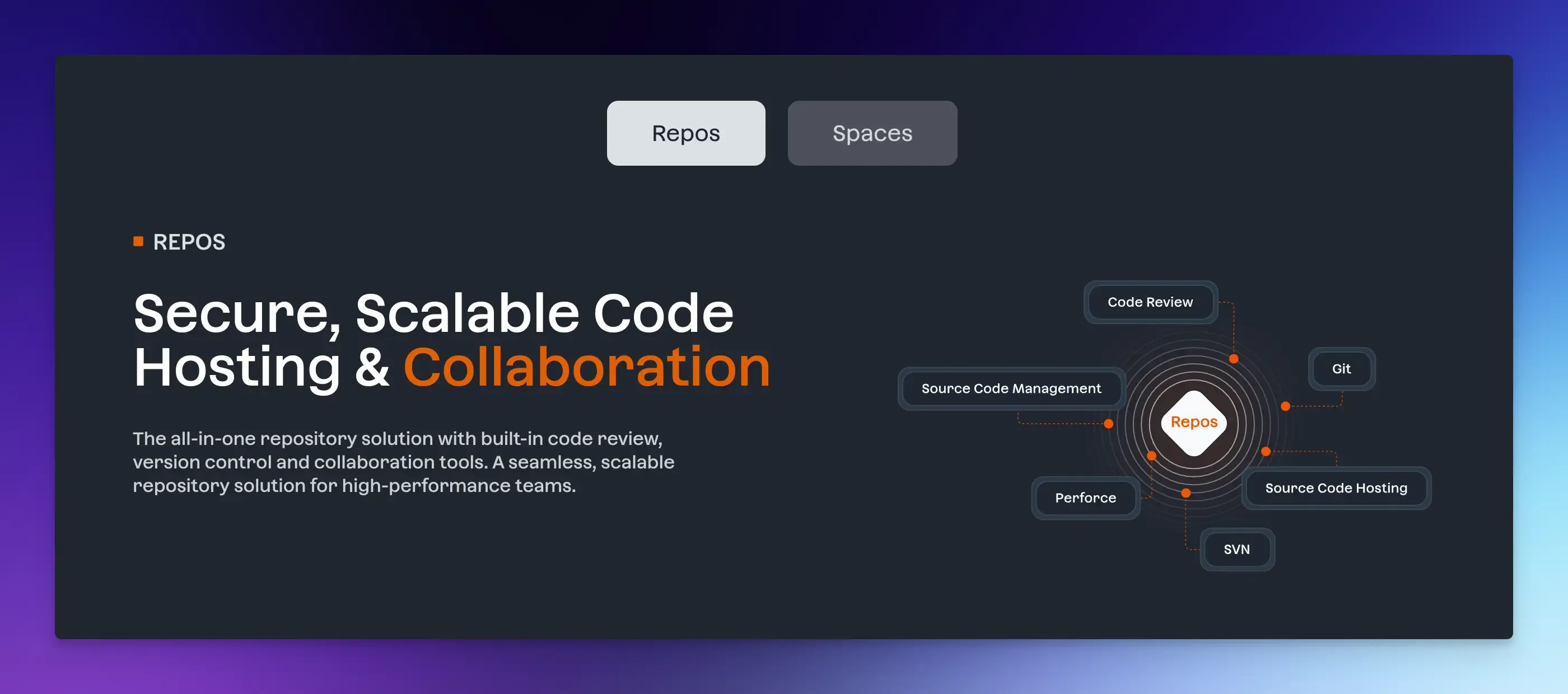
Assembla is a cloud-based platform that offers source code and project management for software development teams.
It provides a centralized space where you can not only host and version code but also collaborate on projects.
It stands out because it doesn’t force you to choose just one version control system. It supports Git, Subversion (SVN), and Perforce Helix Core simultaneously, making it a powerful choice for teams managing legacy code, large binary files, or projects that span multiple technologies.
Key Features:
- Multi-Version Control System Management from a single dashboard.
- Project Management with sprints, tickets, and Kanban boards.
- Enterprise-Grade Managed Hosting with Assembla Cloud and a self-hosted option.
Pros:
- Unified code and project management.
- Advanced security features and secure cloud repositories.
Cons:
- The interface can feel complex for beginners.
- Pricing can be high for small teams, especially when scaling.
Pricing:
- No free plan.
- Pricing starts from $5.99/user/month.
Final Words
You have a wide range of options, from powerful free plans perfect for individuals and small businesses to complex enterprise systems built for strict security and compliance requirements.
The right solution for you depends on your specific needs, collaboration style, and project complexity.
Whether you want an all-in-one platform that handles everything or a simple code snippet manager, there’s an option to match.
Try a few out to see what feels right and choose one that makes coding less stressful and more fun.
FAQs:
Is it difficult to switch to a different platform later?
While it requires planning, especially for large projects, most tools facilitate a smooth migration without losing your project’s history.
What is the difference between a code management tool and a version control system?
A version control system tracks changes to your code files over time. A code management tool uses that system and adds collaboration features like code review, issue tracking, and project management.