9 Best Keynote Alternatives for Technical Presentations (2026)

Apple Keynote is a great presentation tool, but it is only available on macOS and iOS.
If you’re a Windows or Linux developer, a designer collaborating across teams, or a technical content creator looking for more control over code presentations and diagrams, you’ve undoubtedly hit a wall.
The good news is that there are excellent Keynote alternatives available that cover every use case and budget, ranging from open-source tools to professional platforms built specifically for technical content.
This guide will walk you through the 9 best alternatives to Keynote, summarizing what each tool does well, who it’s for, and what it costs, so you can decide without second-guessing yourself.
Why look for Keynote Alternatives?
Keynote builds beautiful slides. Nobody argues that. But some problems push people away:
- It only runs on Apple devices.
- It lacks native code syntax highlighting.
- It supports iCloud collaboration, but only for Apple users.
- Exported files often look broken when opened elsewhere.
- It doesn’t integrate with developer workflows.
If any of these frustrations sound familiar, you’re in the right place.
Each of the tools presented here has unique capabilities for handling technical content, such as code snippets, diagrams, complex animations, and team workflows.
Snappify
Snappify is a code sharing and presentation platform for developers and technical educators. It’s built to make your code look beautiful in slides, without any workarounds or plugins.
Best For: Developers, educators, and anyone who needs to explain code step-by-step.
Key Features:
- Syntax highlighting for multiple programming languages.
- Smooth animated code transitions between slides.
- Interactive slides that let viewers copy code.
- Export to PNG, PDF, or share via a live link.
- Video export for recorded presentations.
- Built-in templates designed for developers.
- Add your custom avatar and username for personal branding.
- Snap API to generate code images.
Pricing: Free plan available. Paid plans start from $5/month.
Honest take:
Snappify is specifically designed to make technical content look neat. If your slides are mostly code, diagrams, or development-related content, this is the most purpose-built alternative on this list. However, it is not suitable for general slide design or no-code business decks.
Google Slides
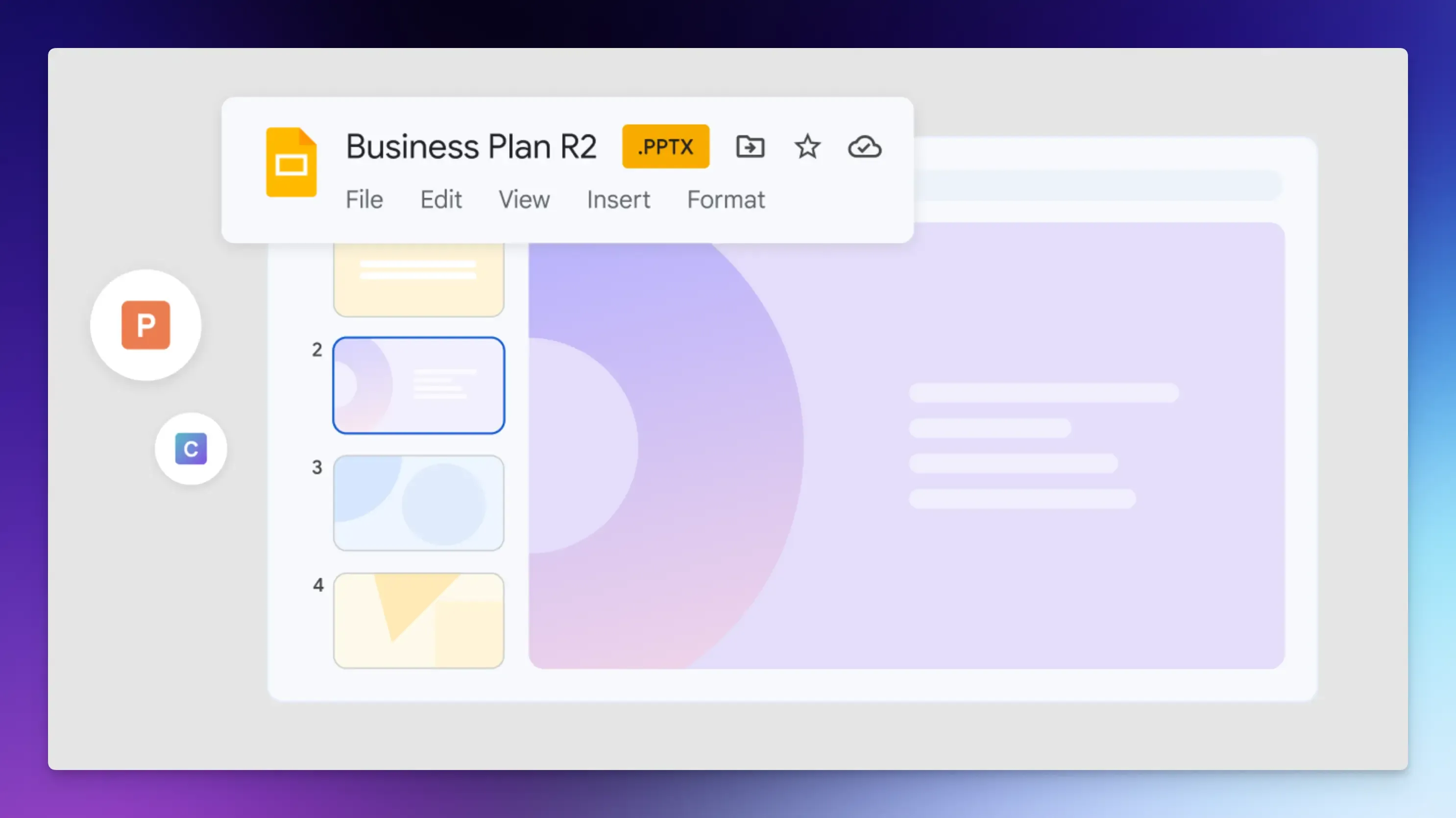
Google Slides is the most widely used alternative to Keynote for Windows and Linux users.
It runs entirely in the browser, supports real-time collaboration, and works on every device and operating system without installing anything.
Best For: Teams that need to collaborate on presentations in real time, educators, and anyone who wants a dependable, free tool that works everywhere.
Key Features:
- Real-time co-editing with live cursors and automatic saving.
- Works on Windows, Linux, macOS, Chromebooks, and mobile devices.
- Comments and suggestions mode for feedback.
- Import and export PowerPoint and Keynote files.
- A high library of free templates and add-ons from the Google Workspace Marketplace.
- Offline mode available with Chrome extension.
Pricing: Free with a Google account.
Honest take:
Google Slides is reliable and free, but it’s not exciting. There’s no native code highlighting, no complex animations, and limited creative freedom compared to most paid tools. But for team collaboration on non-technical slides, it’s hard to beat at zero cost.
Reveal.js
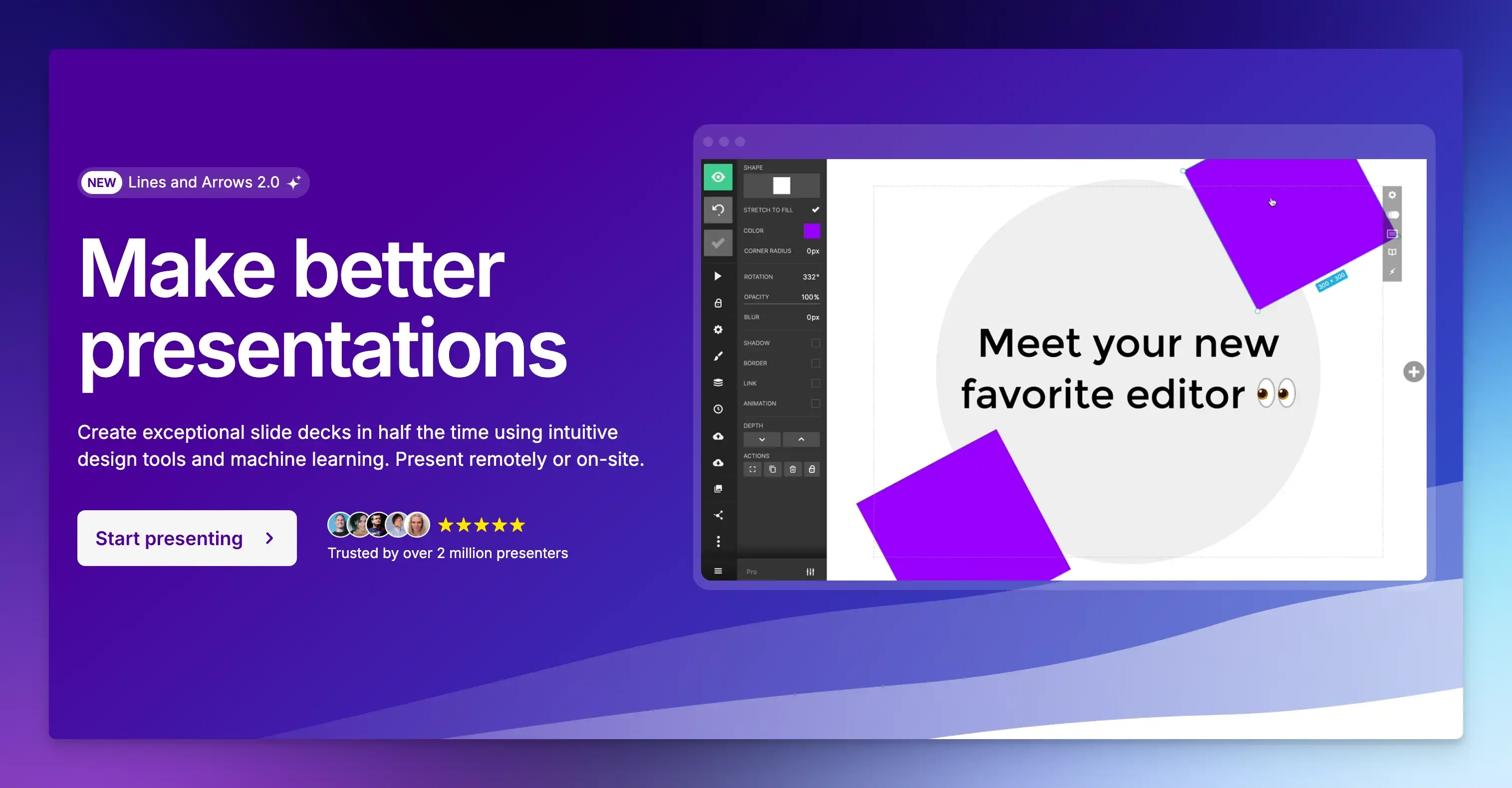
Reveal.js is an HTML presentation framework. Your slides live in a web page, so you can use iframes, code demonstrations, and CSS to animate them, and the browser will display them as a full presentation.
If you don’t want to write HTML or Markdown, there’s also a hosted version available at Slides.com.
Best For: Developers who already know HTML, CSS, and JavaScript and need precise control over every pixel.
Key Features:
- Build slides with HTML, CSS, and JavaScript.
- Vertical slide stacking for nested content structure.
- Auto-animate between slides.
- PDF export for offline sharing.
- LaTeX support for math formulas.
- Syntax-highlighted code blocks.
Pricing: Free and open source.
Honest Take:
Reveal.js is powerful but requires coding. You code every animation, transition, and layout yourself, giving you total control. There is a learning curve, but the result is complete design freedom, which is worth the effort.
Slidev
Slidev takes a simpler approach than Reveal.js. You write slides in Markdown, and the tool converts them to a web-based presentation. This keeps you focused on content rather than formatting.
Best For: Developers who love Markdown and anyone who wants presentation content separate from design.
Key Features:
- Write slides in plain Markdown.
- Live preview as you type.
- Code highlighting is built in.
- Vue components for interactive elements.
- LaTeX support for math equations.
- Export to PDF, PPTX, or PNG.
- Version control friendly.
Pricing: Free and open source.
Honest Take: Slidev is less flexible than Reveal.js, but much easier to learn. The Vue integration adds interactive options without requiring deep framework knowledge.
LibreOffice Impress
LibreOffice Impress is the offline desktop alternative to PowerPoint and Keynote. It’s part of the LibreOffice suite and runs on Windows, Mac, and Linux without a subscription or login.
Best For: Users who need a fully offline, no-subscription option.
Key Features:
- Opens Keynote, PowerPoint, and PDF files.
- Wide range of animations and slide transition effects.
- Master slides for consistent formatting.
- Works on Linux natively.
- Full offline functionality.
Pricing: Free and open source.
Honest take:
Impress looks dated. But it works reliably, costs nothing, and runs anywhere. It’s not a primary tool for people who care about visual quality. It’s a great option for Linux users who want a traditional slide editor with full PowerPoint compatibility.
Marp
Marp lets you write presentations entirely in Markdown and automatically converts them to beautiful slides.
It’s a favorite among developers because the workflow feels natural: you write in a text editor, version-control your slides with Git, and export to HTML or PDF.
Best For: Developers who want Git-friendly, version-controlled presentations.
Key Features:
- Write slides in Markdown.
- VS Code extension for live preview as you type.
- Export to HTML, PDF, and PowerPoint.
- Full syntax highlighting via code fences.
- Custom themes using CSS.
- Works on Windows, macOS, and Linux.
Pricing: Free and open source.
Honest take:
Marp is excellent if you’re comfortable with Markdown. It’s not suitable for non-technical users or anyone who needs a rich visual design. But for a developer who wants total control without a visual editor, it’s a genuinely great free choice.
Pitch
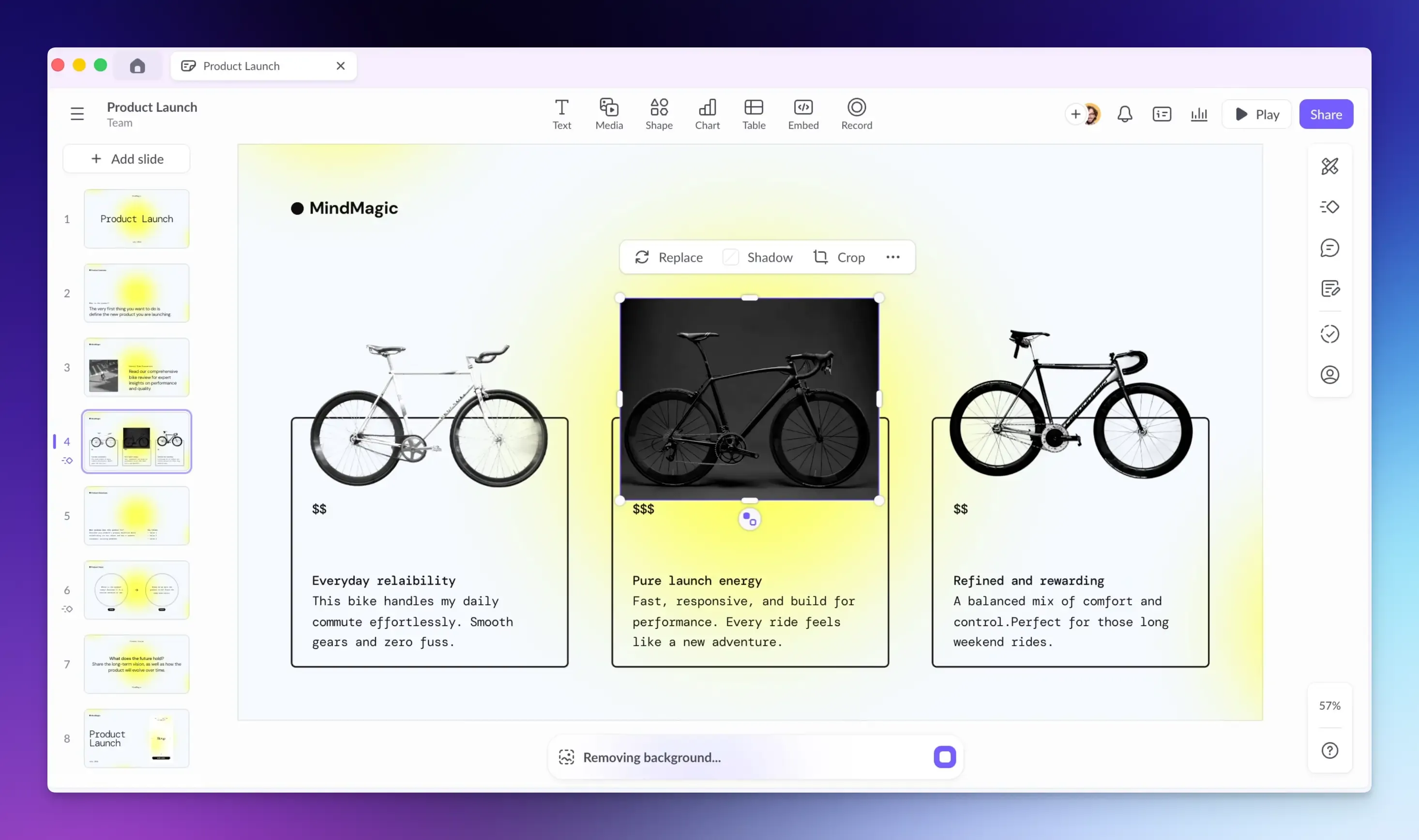
Pitch is a modern collaborative presentation tool that treats presentations as live documents your team can work on together, rather than passing files back and forth.
Best For: Product managers, startups, and cross-functional teams that produce pitch decks or product roadmaps regularly.
Key Features:
- Real-time collaboration with assigned slide ownership.
- Library of templates for business presentations.
- Custom domain sharing for branded decks.
- Presentation analytics to track audience engagement.
- Integrates with Figma, Notion, and other tools.
Pricing: Free plan available. The paid plan starts at $10/month.
Honest take:
Pitch gives a premium feel. The templates are better than most free alternatives. The analytics feature alone makes it worth exploring if you want to know how your presentation is received. However, it’s not developer-centric. Don’t expect great code support.
Visme
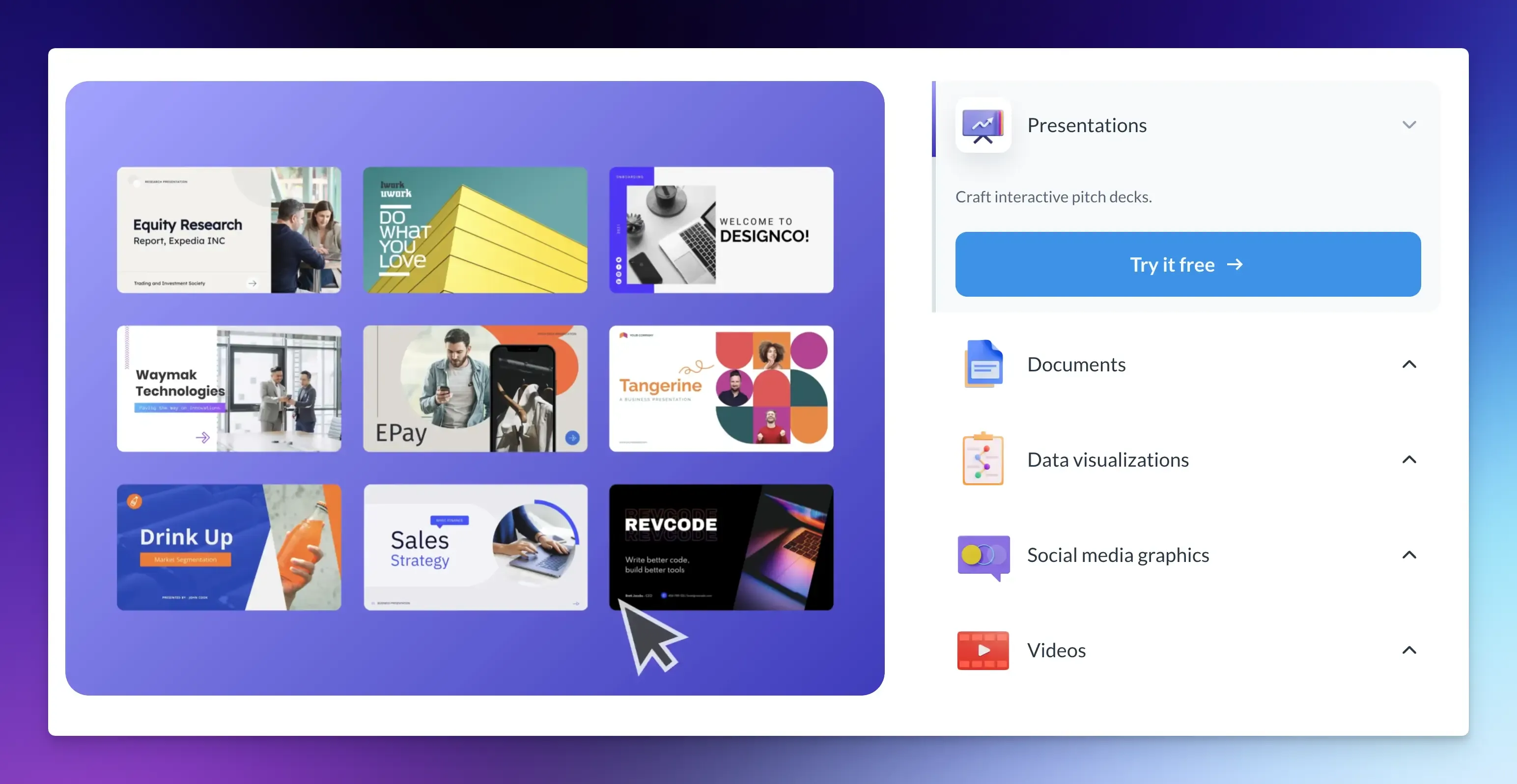
Visme is a content creation platform for creating professional presentations, animated web forms, clickable infographics, data visualizations, and other visual content.
Best For: Businesses, marketing teams, educators, and content creators focused on creating infographics and visual reports.
Key Features:
- AI slide generation from text prompts.
- Interactive 3D charts and graphs.
- Data visualization tools to build charts, graphs, maps, and dashboards.
- Brand kit management for logos, colors, and fonts.
- Presenter Studio to record presentations with audio, video, or screen capture.
- Collaboration features for real-time team editing.
Pricing: Free plan available. The paid plan starts at $12.25/month.
Honest take:
Visme gives you manual control over design elements, similar to Canva. It is a versatile design tool with a wide range of features for various types of visual content. However, it can be more expensive than other tools.
Beautiful.ai
Beautiful.ai automates slide design with Smart Slides that automatically adjust layout and spacing as you add content.
It eliminates most of the time-consuming manual alignment and resizing that makes traditional presentation design tedious.
Best For: Business and product teams who want professional-looking slides without spending time on manual design adjustments.
Key Features:
- Smart layouts that auto-adjust content position and spacing.
- Large library of data visualization slide types.
- Team workspaces with brand controls.
- Presenter view with timer and notes.
- Integrates with Slack and Google Drive.
Pricing: Paid plan starts from $12/month.
Honest take:
The auto-layout is genuinely useful and saves time. But it can also feel limiting when you want to place something exactly where you want it. There’s no free plan, which is a real drawback compared to most options on this list.
Final Words
The best Keynote alternative depends on your specific needs and who you’re presenting to.
If your presentations are mostly code and technical explanations, Snappify is the best option.
For cross-platform team collaboration, Google Slides is the obvious choice. And if you’re a developer who wants total control, open-source tools like Marp or Reveal.js will work for you.
Spend a few minutes with the top two or three options that match your use case. That is the quickest way to decide without paying for features you do not need.
FAQs:
What is the best free Keynote alternative for Windows?
Google Slides is the most reliable free option for Windows users. For developers, Marp is a strong free alternative if you’re comfortable writing in Markdown.
Is there a good Keynote alternative for Linux?
Marp and Reveal.js both work natively on Linux. LibreOffice Impress is available as a desktop app on all major Linux distros. For cloud-based options, Google Slides and Snappify run entirely in the browser, so they work on any platform.
Which presentation tool is best for showing code?
Snappify is built for this. Marp and Reveal.js are also strong choices for developers who prefer working in code editors. All three handle syntax highlighting far better than Keynote or PowerPoint.