
7 Best CodePen alternatives for Developers in 2026

If you’ve used CodePen before, you already know what it does well. You can quickly create front-end prototypes, share code snippets, and try out HTML, CSS, and JavaScript in a live environment.
But CodePen isn’t perfect for everyone.
You may need more collaboration features or a private space for client work that isn’t too expensive.
Or you’re working with frameworks like React or Vue and you want something more capable.
Whatever the reason, there are some great CodePen alternatives out there worth your time.
This guide breaks down the best options based on key features, pricing, and specific use cases so you can pick the right tool for your project.
Why Look for CodePen Alternatives?
CodePen is great for developers and technical content creators who want to experiment with code without creating files or running a local server.
However, as your projects grow, you might hit their limits.
- Limited to the front-end. No backend logic support.
- You cannot easily install full npm packages.
- Basic TypeScript support compared to modern IDEs.
- You need a paid plan to keep your work private.
If these points sound familiar, exploring websites like CodePen is the right move.
Before jumping into the list, here’s what you need to look out for:
- Language support: Does it support the languages and libraries you use?
- Collaboration features: Can your team or clients view and edit in real-time?
- Pricing: Is the free tier genuinely useful, or is it locked behind a paywall?
- Performance: Does the editor feel fast and responsive?
- Sharing: Can you easily share your work or embed it in a portfolio?
Now let’s go through the some of the better options.
CodeSandbox
If you need more than a single file editor, CodeSandbox is the industry standard. It feels like having Visual Studio Code in your browser.
Unlike CodePen, which is mainly designed for HTML/CSS/JS, CodeSandbox supports React, Vue, Angular, Node.js, and more.
You can import a GitHub repo, install npm packages, and work with multiple files just like a local IDE.
Best for: Developers building and testing full React, Vue, or Node.js apps without setting up a local environment.
Key Features:
- VS Code and GitHub integration.
- One-click deploy to Vercel or Netlify.
- Huge library of pre-built templates.
- AI-powered code suggestions.
Pros:
- Full framework and npm package support.
- Real-time collaboration.
Cons:
- It can be too much for simple snippets.
- Free plan has limitations on private sandboxes.
Pricing: Free plan available. Paid plans start around $12/month per user.
Replit
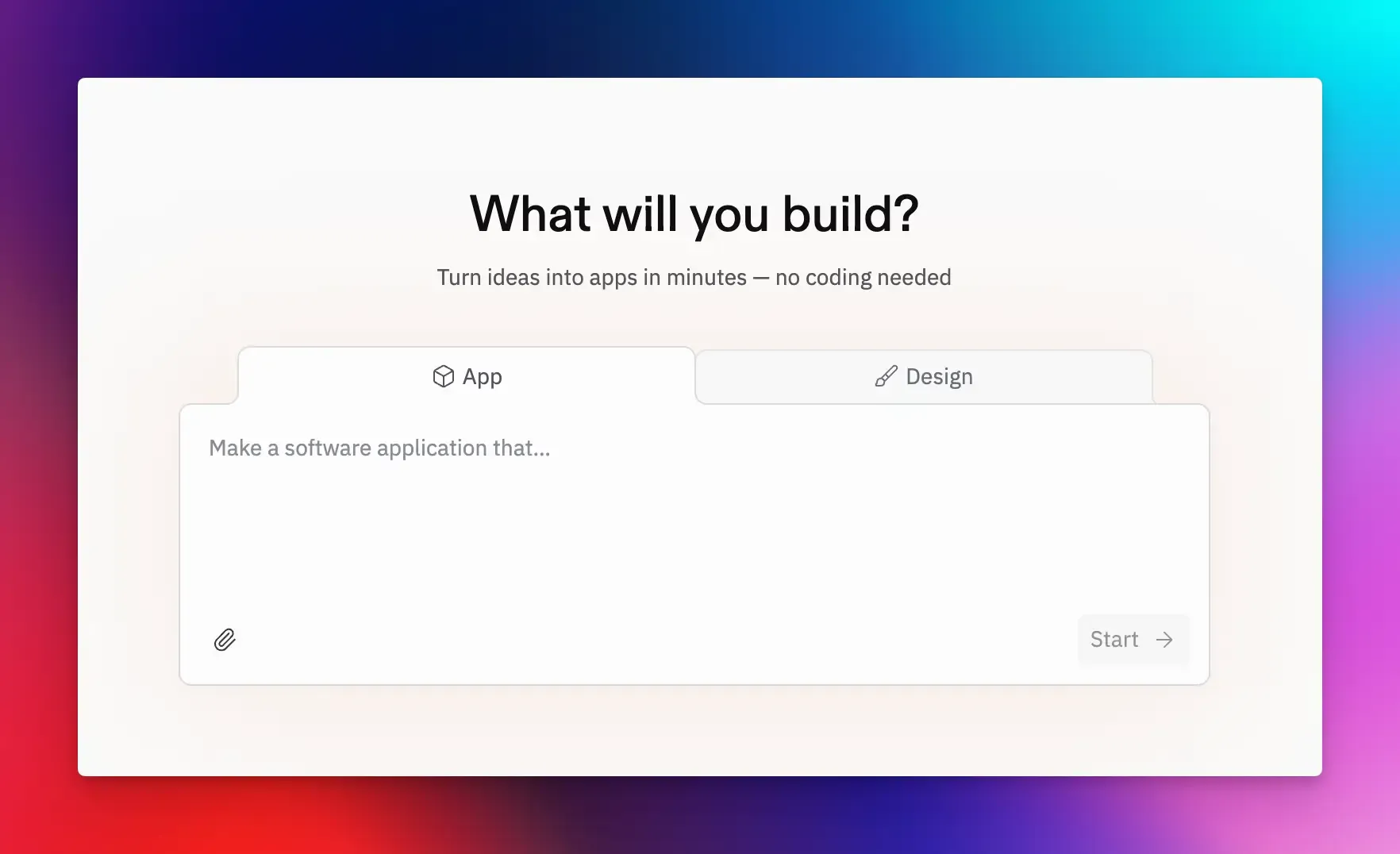
Replit is a cloud-based development platform for building and deploying full-stack apps, making it a powerful CodePen alternative for businesses building MVPs.
It handles everything from database setup to hosting, enabling you to build, run, and host projects directly from the browser.
It’s also widely used in education, which means the interface is clean and beginner-friendly.
Best for: Developers and educators working on multi-language projects.
Key Features:
- Replit Agent for AI-assisted development.
- Built-in, serverless PostgreSQL database.
- Supports over 50 programming languages.
- One-click deployment and GitHub integration.
Pros:
- Great for learning and teaching.
- All-in one stack for any kind of coding project.
Cons:
- Costs can add up with the credit-based agent model.
- Privacy features require a paid plan.
Pricing: Free plan available. Paid plans start at $20/month.
StackBlitz
StackBlitz is one of the fastest browser-based editors available right now.
It runs Node.js directly in the browser using WebContainers technology, meaning everything runs locally in your tab without server-side execution.
It supports Angular, React, Vue, Svelte, and even backend runtimes. The speed alone makes it one of the top CodePen alternatives for professional developers.
Best for: Developers who need instant, zero-setup development environments.
Key Features:
- It runs Node.js, npm, and even Git commands inside your browser tab.
- Bolt.new for AI-powered development.
- Supports a huge range of frameworks.
- GitHub import/export and real-time collaboration.
Pros:
- It is incredibly fast and works offline.
- Runs Node.js in the browser.
Cons:
- Advanced features require a paid plan.
- Some specific npm packages may have compatibility issues.
Pricing: Free plan available. Paid plans start at $18/month.
JSFiddle
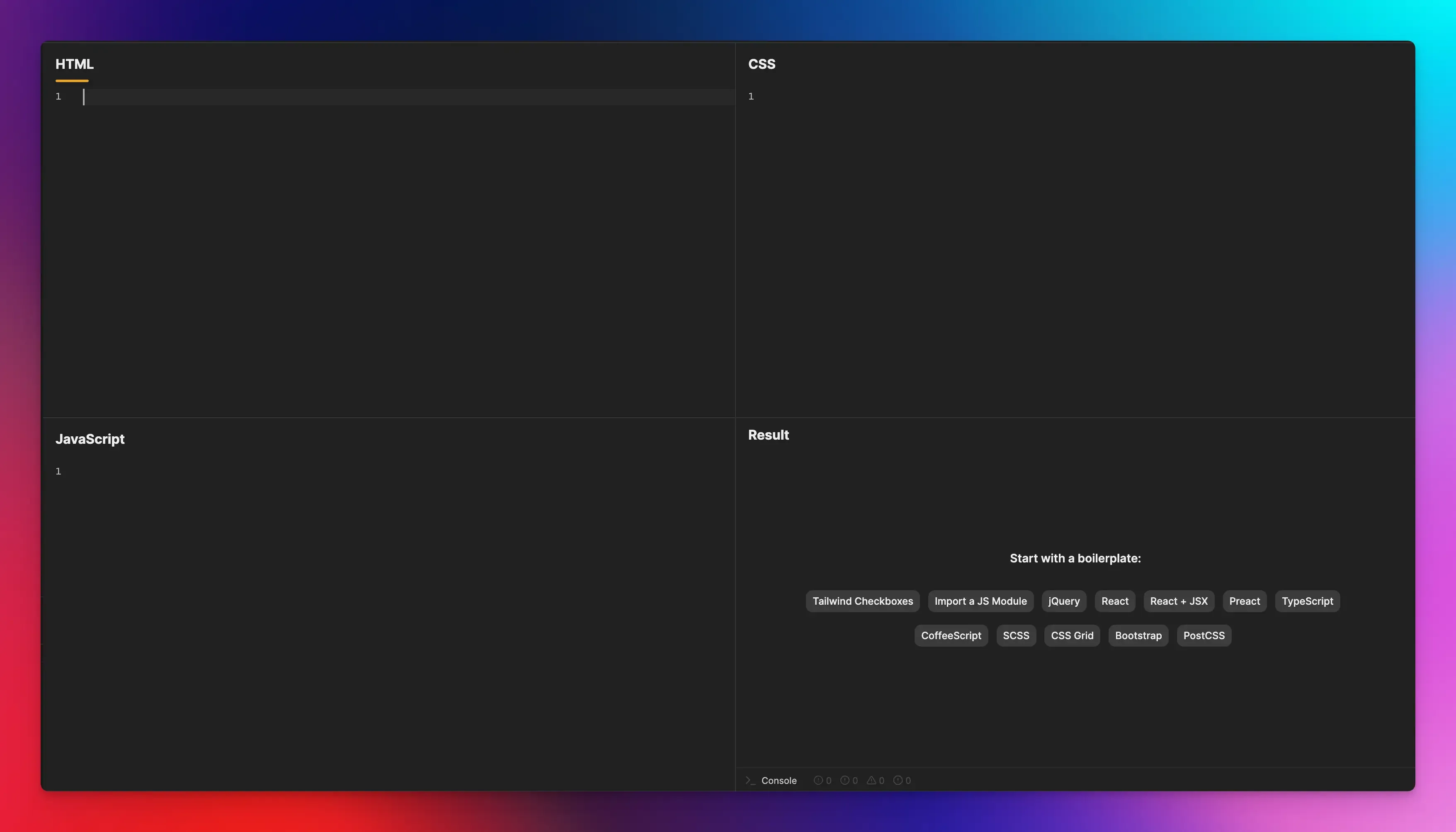
JSFiddle is one of the oldest tools in this category, and it’s still genuinely useful for lightweight tasks. If all you need is to see if a function works and share the link, JSFiddle does it without friction.
Best for: Quick front-end experiments, debugging, and sharing isolated code snippets.
Key Features:
- Supports popular libraries like jQuery, Bootstrap, and React.
- Easy sharing and embedding fiddles in blog posts or documentation.
- You can resize the result panel for responsive design.
Pros:
- No sign-up required for basic use.
- Simple and familiar CodePen-like interface.
Cons:
- Limited to front-end languages.
- No advanced collaboration or privacy features.
Pricing: Free.
PlayCode
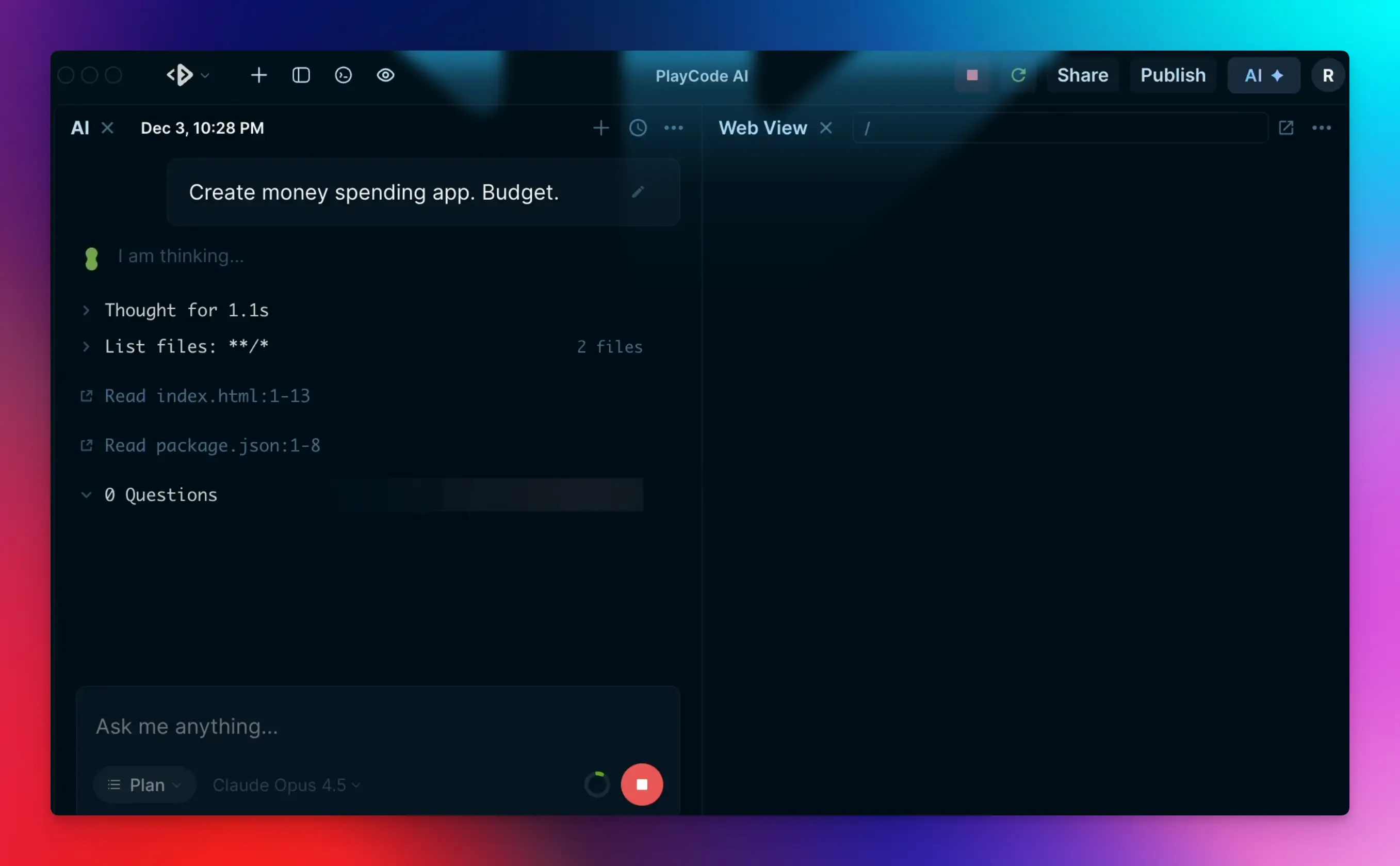
PlayCode has gained popularity for one reason: it’s incredibly fast and easy to use.
The editor is responsive, the preview updates in real time, and it handles JavaScript and TypeScript easily. It is also one of the few platforms where AI feels integrated, not like an afterthought.
Best for: JavaScript developers who want a fast environment for prototyping.
Key Features:
- Supports npm packages, React, and Vue.
- Get access to 12+ AI models inside the editor.
- Full npm and Python support.
Pros:
- One of the fastest live preview editors.
- You can download your entire project as a ZIP file.
Cons:
- AI features require a paid subscription.
- Smaller community than CodePen or JSFiddle.
Pricing: Free plan available. Pro plan starts at $21/month.
Liveweave
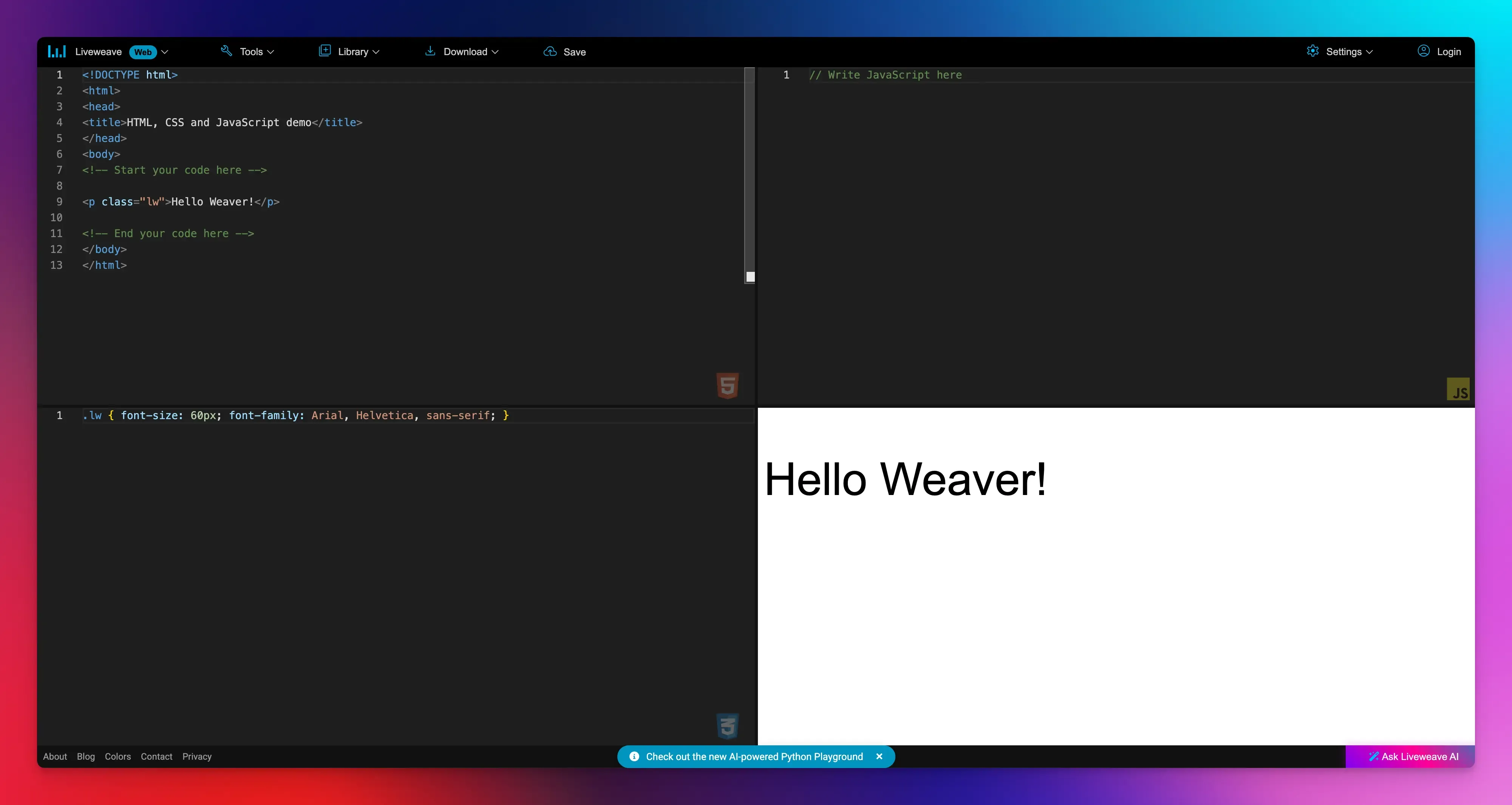
Liveweave is another lightweight editor for HTML, CSS, and JavaScript. It’s simple to use, loads fast, and includes some nice features like Emmet support and a color picker for designers doing front-end work.
Best for: Front-end designers who want a simple, no-cost tool.
Key Features:
- Live editing and preview with an auto-save feature.
- Night vision and multiple layouts.
- Add popular libraries like jQuery, Tailwind and Bootstrap from a simple menu.
Pros:
- Built-in Emmet support.
- Helpful learning tools like CSS generator and real-time validation.
Cons:
- Limited sharing features.
- No backend framework support.
Pricing: Free.
GitHub Codespaces
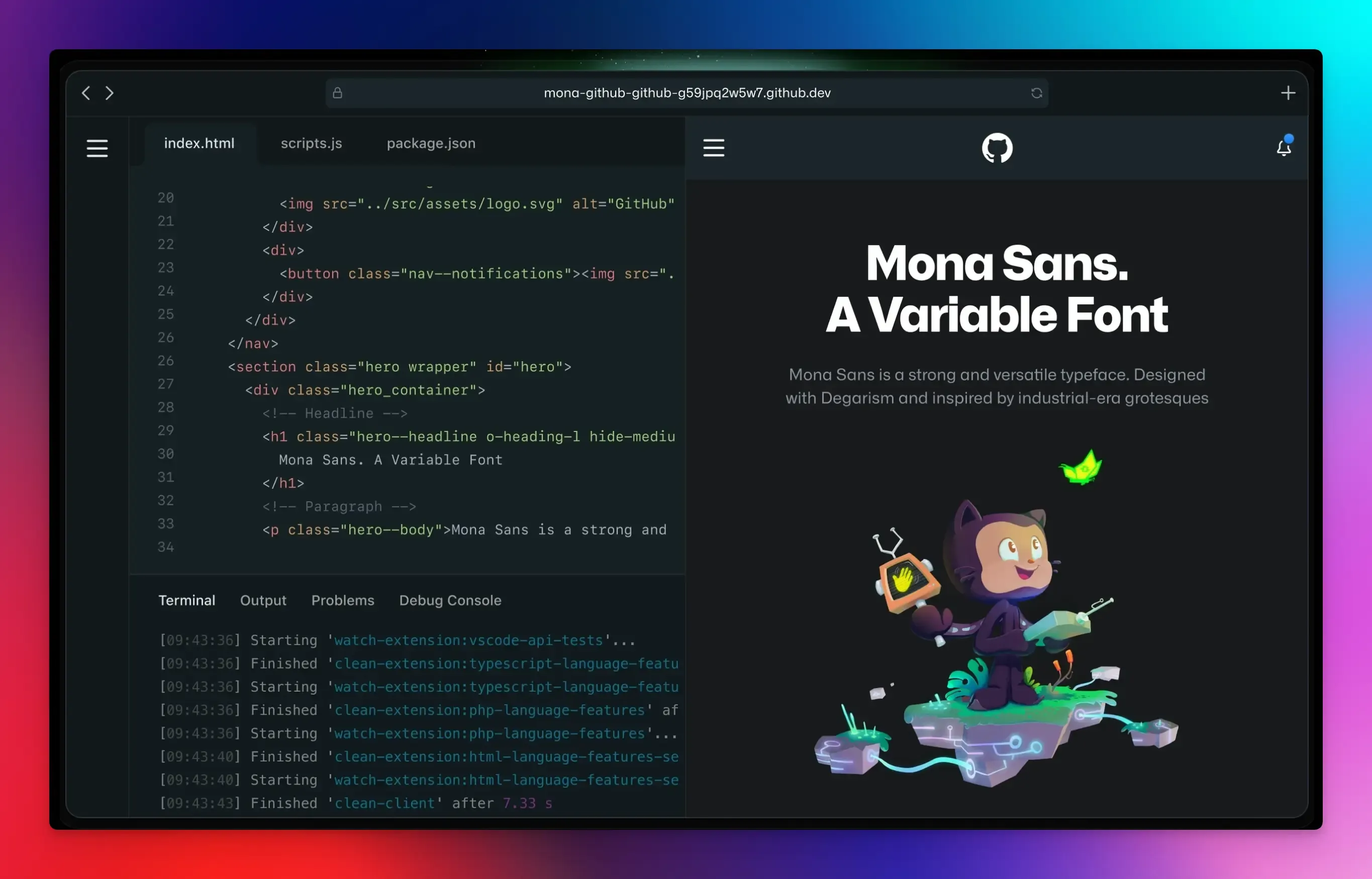
GitHub Codespaces gives you the full, powerful version of VS Code with all its extensions, themes, and terminal power in your browser, connected directly to your GitHub repositories.
If you’re already using GitHub, Codespaces is a natural extension. You can open any repo and start working immediately without installing anything locally.
Best for: Teams already invested in the GitHub ecosystem who need a full cloud-based IDE.
Key Features:
- Fully customizable cloud development environment.
- Terminal access and native integration with GitHub.
- Live Share extension for real-time collaboration.
Pros:
- Full VS Code in the browser.
- Supports any language or framework.
Cons:
- Pricing can be unpredictable for heavy users.
- Requires a GitHub account to use.
Pricing: Free for limited hours on personal accounts. Pay-as-you-go pricing model based on usage.
Final Words
Whether you need a simple code playground for testing a quick idea, a fully configured team workspace, or an AI coding partner that helps you create apps with a prompt, there’s a CodePen alternative on this list for you.
The best choice depends on which tool fits your workflow and what you ultimately want to create.
Take advantage of free tiers, try out different interfaces, and select the tool that saves you time and allows you to focus while using it.
FAQs:
Are there free websites like CodePen?
Almost every platform mentioned offers a generous free tier. CodeSandbox, StackBlitz, and Replit all allow free usage with public projects.
What is the difference between a code playground and a full cloud IDE?
A code playground is like a sketchpad for quick, small experiments. A full cloud IDE, like GitHub Codespaces, is like having your entire workshop in the cloud. It supports complex projects, multiple files and folders, backend code, databases, and a full terminal.
Which tool is best for React development?
For full-scale React projects, CodeSandbox is the most popular due to its file structure and template system. For learning React or testing small components with AI help, try PlayCode.
Do I need a paid plan to keep my code private?
Usually, yes. Most platforms, including CodePen itself, require a subscription for private projects. CodeSandbox and StackBlitz also reserve unlimited private sandboxes for their Pro users.